macOS · Apple Silicon · v0.1.0
Your notes live on your machine.
Not someone else's server.
Handin is a desktop workspace for notes, task lists, and a calendar — stored as plain files under ~/handin and backed up to a private repo on your GitHub account. No account with us. No cloud database holding your writing hostage.
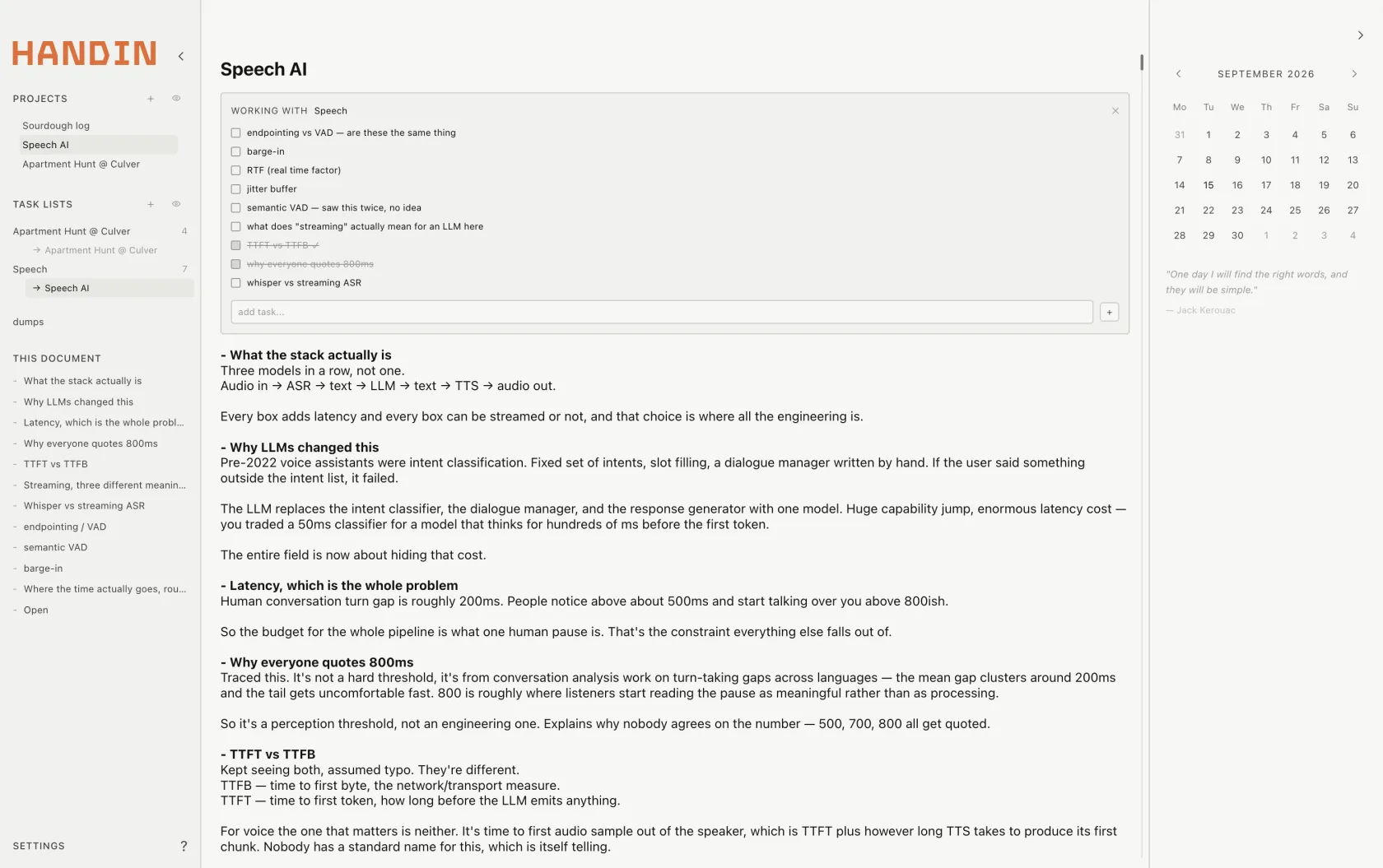
“One day I will find the right words, and they will be simple.”
— Jack KerouacLocal‑first
Everything lives in one plain folder.
Handin isn't a client for a server you don't control. Open ~/handin in Finder and it's all there — readable, greppable, yours.
├── notes/*.md
├── scratch/*.md
├── workspace.json
└── .git/ → private GitHub repo- Atomic writes. Handin writes to a temp file and renames it into place — a crash mid‑save never leaves a half‑written note.
- Plain Markdown, plus a hidden header. Every note is a real
.mdfile with a small metadata block up top and a normal# Titlebelow it. - Legacy files just work. Drop an existing Markdown file into the folder and Handin migrates it into its format automatically.
- Change detection via SHA‑1. Edit a note in another editor, and Handin notices the file changed underneath it.
Notes
Sub‑notes, chips, and one autosave that just works.
Every project is a note. Every note can hold nested sub‑notes, shown inline as clickable chips — delete one and its whole subtree goes with it. Type -> and it becomes →. Two seconds after you stop typing, it's already on disk.
Command palette
Never lose a thread while you're mid‑sentence.
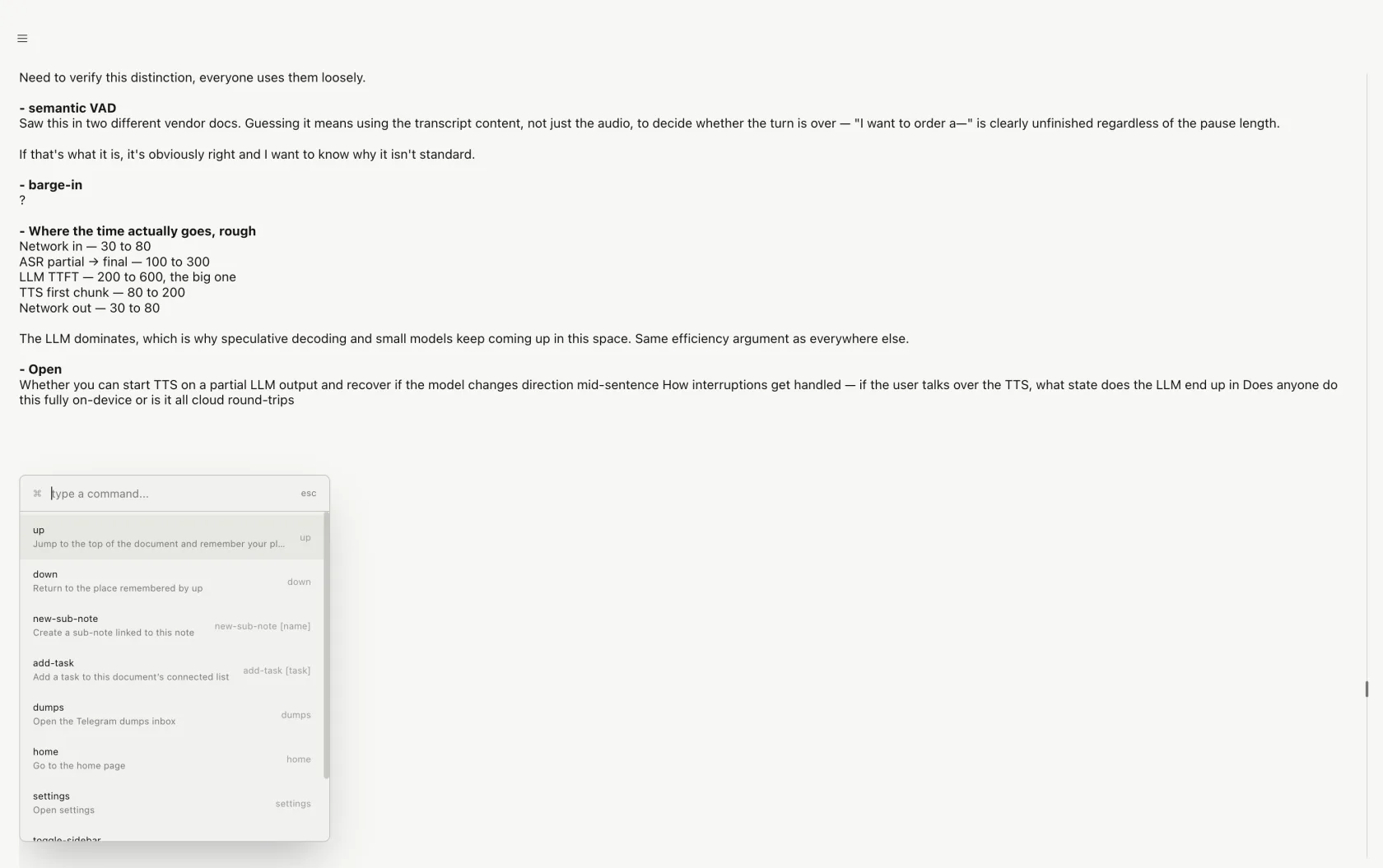
You're writing, and a new to‑do surfaces — something to research later, not now. Press ⌘K or just /, run up, and Handin jumps to the top of the page and remembers exactly where you were. Drop the task on the list. Run down to go right back to writing.
Task lists
Drag a list onto a note. It's attached from then on.
Task lists are their own objects — todo, doing, done, subtasks, due dates, links back to the line of the note that spawned them. Work them as a compact checklist, or switch to execution mode: three columns, drag‑and‑drop between states.
Focus
Or fold it all away and just write.
Sidebar, task panel, calendar — every rail collapses on command. What's left is a page, a title, and a cursor. The heaviness of a workspace app, entirely optional.
Dumps
You screenshot it. You never look at it again. Until now.
A conference worth applying to, a journal worth reading, a job post worth a shot — caught mid‑scroll, screenshotted, and buried in Camera Roll forever. Send it to your Handin Telegram bot instead, and it's waiting for you as a real inbox item.
- 1See something worth coming back to. Screenshot it, or forward the link.
- 2Send it to your Handin bot on Telegram — photos, links, voice notes, documents, video, all supported.
- 3It lands in your Dumps inbox in real time, ready to triage: later, or done.
Dumps runs on a private Supabase project scoped to one Telegram user ID — it's a personal inbox, not a shared one. Media is stored in a private bucket and served through one‑hour signed URLs.
GitHub sync
Your GitHub account is the backup. Not ours.
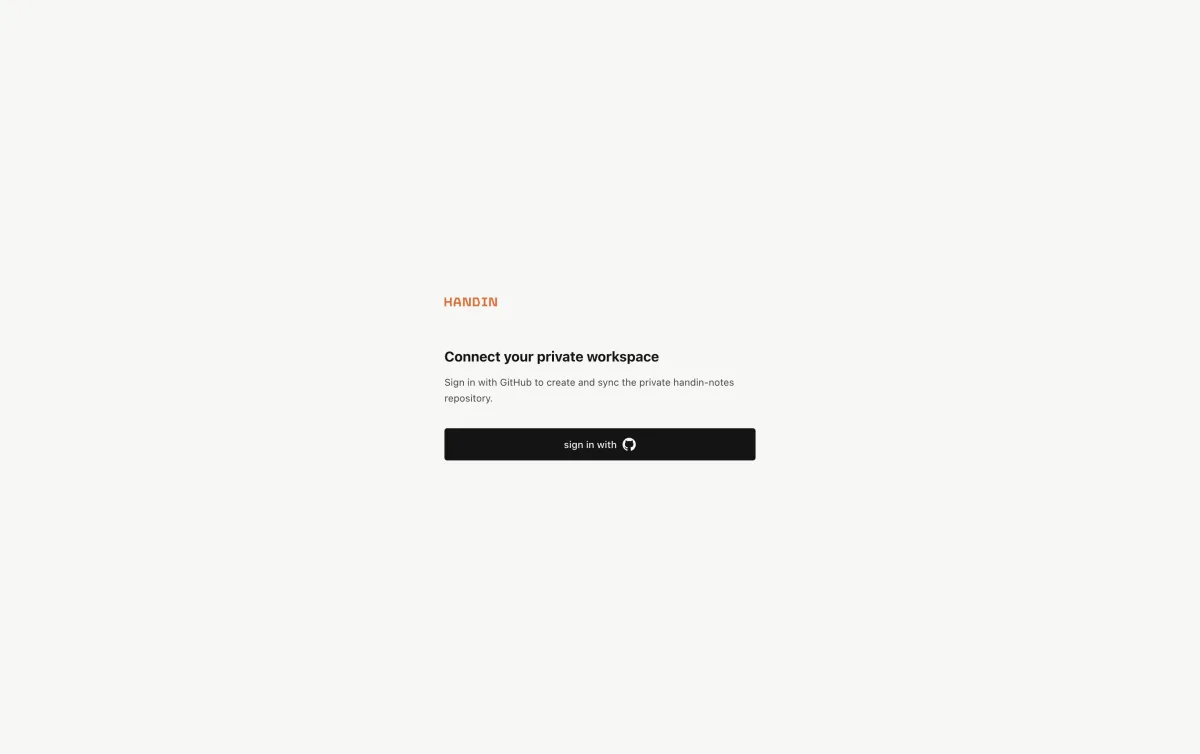
Sign in with GitHub's device flow — no browser callback, no password field inside the app. Handin creates a private handin-notes repository on your account, then keeps it in sync: it pushes when you're ahead, pulls when another machine is ahead, and if the two genuinely diverge, it saves your local copy under ~/handin/conflicts/ before adopting remote — nothing is silently overwritten.
It ships with isomorphic‑git built in, so there's no dependency on a system Git install, and tokens are encrypted at rest with Electron's safeStorage.
Where it stands
Built for one person's workspace. Said plainly.
Handin is early — v0.1.0, built by one person for their own daily use. It's honest about what it isn't yet:
- Sync runs at startup and 2.5s after a local save — not a five‑minute background timer.
- No OS‑level reminder notifications yet; a reminder is a label, not an alarm.
- The editor is deliberately plain text — no full Markdown rendering, no tags or backlinks.
- Search covers notes and tasks, not yet Dumps or calendar events.
- Dumps is single‑user by design — one Telegram ID, no multi‑account linking.
- The DMG below is unsigned and not notarized — macOS will ask you to confirm before opening it.
Get Handin
Download for macOS
Apple Silicon only (M1 and later). The installer is unsigned, so on first launch macOS Gatekeeper will need a nudge — see below.
First time opening it
- 1Open the
.dmgand drag Handin into Applications. - 2Right‑click Handin in Applications and choose Open.
- 3Click Open again on the Gatekeeper prompt. You only do this once.